← Supported games
EA SPORTS F1 24 telemetry & lap analysis
Record every F1 24 lap automatically, overlay your laps on the track map and find the braking points and corners where you lose time.
Set up F1 24 in two minutes
UDP telemetry (2024 format) · Race Buddy listens on port 20777 by default.
- 1Open Settings → Telemetry Settings.
- 2UDP Telemetry: On · UDP Broadcast Mode: Off.
- 3UDP IP Address: 127.0.0.1 (or your PC's LAN IP when you play on console).
- 4UDP Port: 20777 · UDP Send Rate: 60 Hz · UDP Format: 2024.
Good to know
- •The same analysis as F1 25: setups, tyres and fuel, sector times and coaching.
- •Older formats such as 2023 aren't supported; Race Buddy's diagnostics tell you when the format is wrong.
Stuck? See the getting started guide or support.
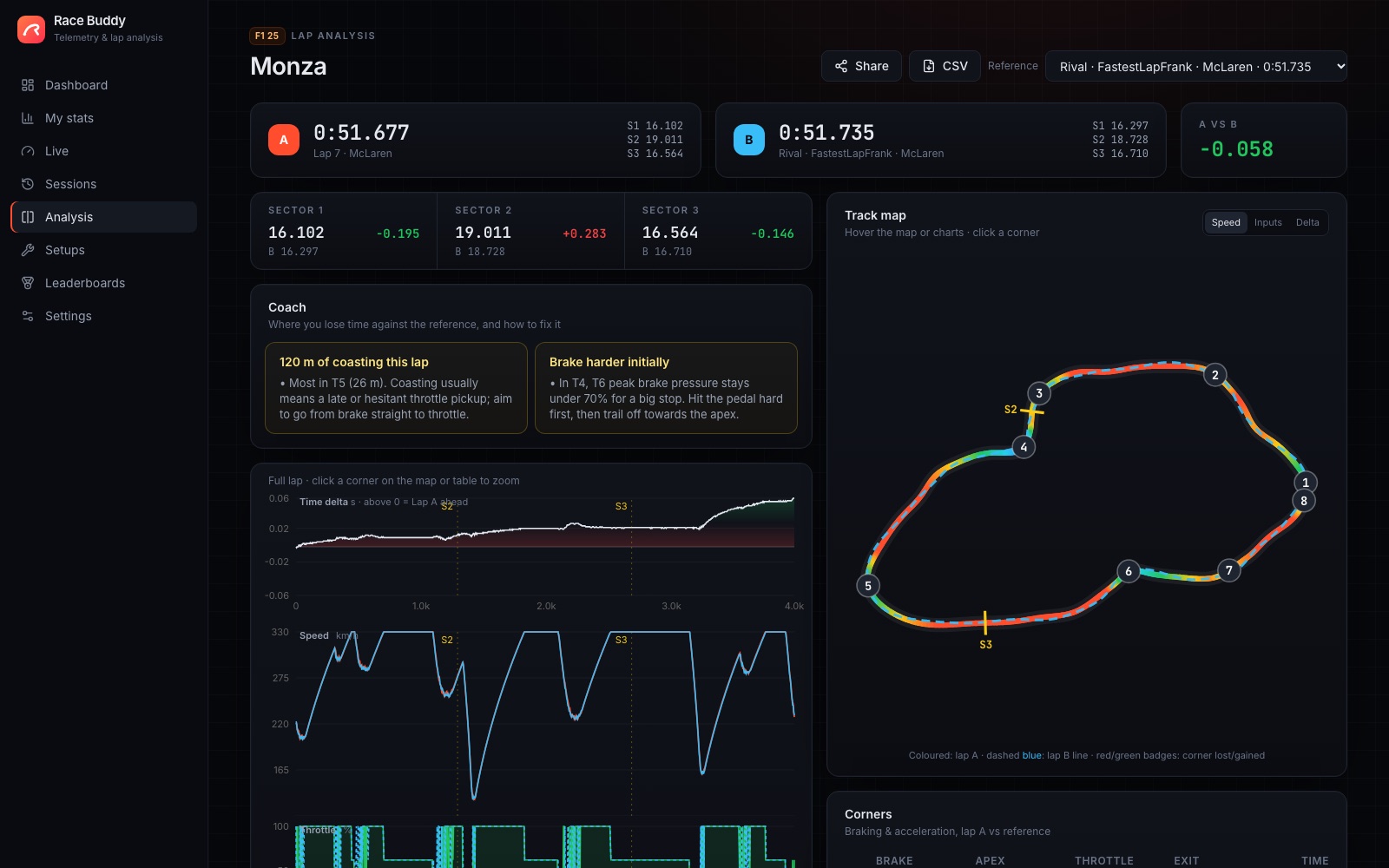
What you get in F1 24
Lap comparison
Find exactly where you're losing time.
Automatic coaching
Know what to change on your next lap.
Interactive track maps
Analyse every corner.
Live telemetry
See everything your car is doing.
Race your Time Trial rival
Learn from faster drivers.
Setup garage
Find the setup that makes you faster.
Tyres & fuel
Understand your race pace.
HUD overlay & VR
Keep your numbers in view while racing.
Personal statistics
Track your progress over time.
Automatic recording
Never lose a lap again.
Local-first
Your racing data belongs to you.
Cloud sync, sharing & leaderboards
Your laps on any device.